Plumbing business KPIs and reports that show what's growing and what's not

Is your plumbing business growing the way it should? If not, we need to talk. Most plumbing owners can't answer that with a number. The phone rang all week and the trucks never stopped, but ask which week last month made money, how many estimates are still out, or who still owes you, and it turns into a guess. In a free 30-minute consultation, we'll look at the numbers you get today and show you the ones you should be getting every morning, every Monday and every month.

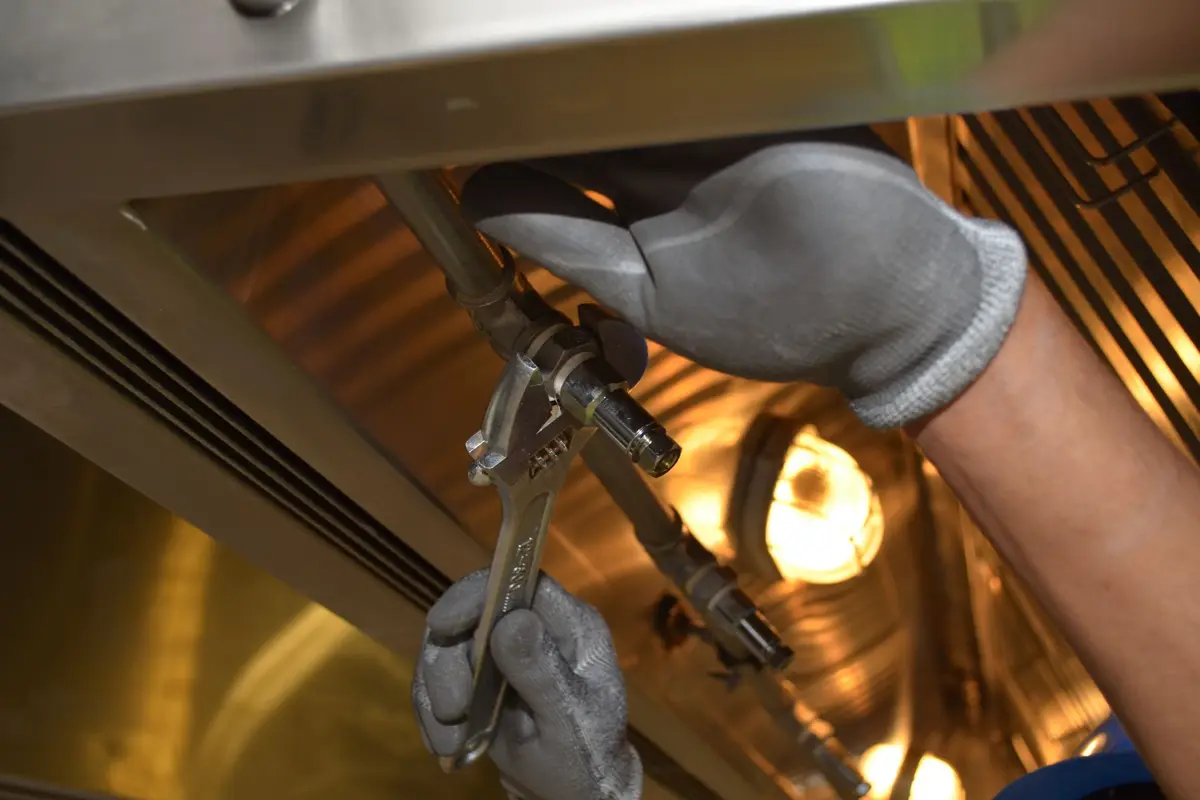
Plumber fixing pipes with a wrench

Who sets this up for you

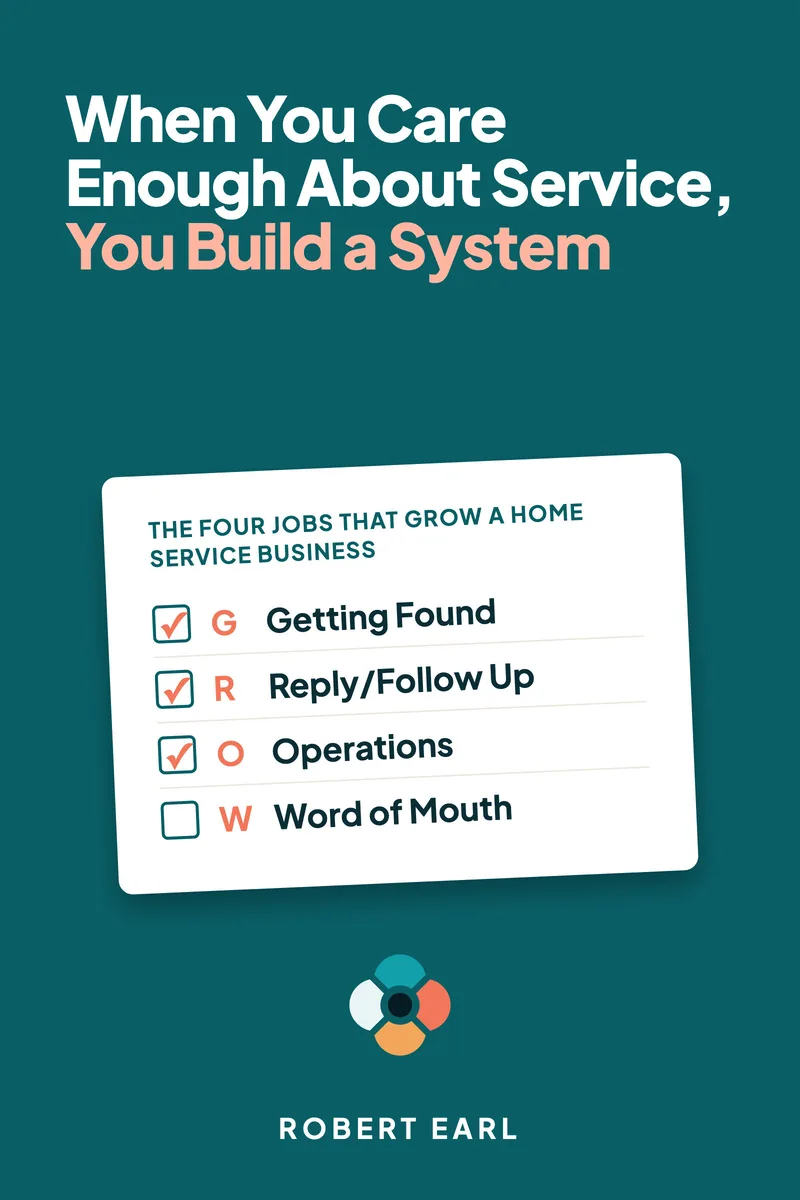
Home Service Guild is a marketing agency for home service companies, led by Robert Earl. He has 25+ years working with the home service industry and holds Google certifications in Google Ads Search, Conversion Optimization and Google Analytics, so your reports can show which marketing paid for itself. He also wrote the book When You Care Enough About Service, You Build a System.

A busy plumbing week is not always a good one

You know the kind of week. A slab leak on Monday, two backed-up main lines on Tuesday, a burst pipe at 10 on Thursday night. Every emergency pushed a couple of scheduled jobs to the next day, and nobody sat down from start to finish. Then the month closes, and the bank account is thinner than the week felt.

Here is where it went. Three water heater estimates went out and nobody heard back. Two emergency jobs got invoiced on the spot and never got paid. One of your plumbers went back to the same house twice for a fitting that kept weeping, and that trip was on you. The drain cleanings kept everybody busy while the repipe you quoted in June sat open. And the Google ads ran all month, with no way to tell whether they brought in the calls or the neighbors did. None of that shows up on the day it happens. It shows up a month later, when it's too late to fix.

Questions your numbers should answer by Monday morning

Try these on your own company. If you can't answer them without digging, the numbers aren't working for you yet:

  • How many calls came in last week, and how many did a person actually answer, including after hours?
  • How many of those calls turned into booked jobs?
  • How many estimates are out right now, how old are they, and how many did you win?
  • What is your average ticket on a drain cleaning, and what is it on a water heater replacement?
  • Which invoices are past due, and who owes the most?
  • How many callbacks and warranty trips did your plumbers run this month?
  • Which ads, listings and pages brought in the jobs that paid?

If answering those takes the software, the bank app and a stack of tickets on the kitchen table, you're running the business on a feeling. That holds up fine until a slow month shows up and you can't say why.

What KPIs should a plumbing business owner track?

Start with a short list you'll actually read. For a plumbing company where the owner still runs calls, these are the numbers that tell you whether the business is growing: calls in and calls answered, including after hours; booked jobs, split into emergency and scheduled work; estimates sent, won and still open; average ticket by job type, because drain cleaning and water heater replacement are two different businesses; unpaid invoices and how old they are; money collected; callbacks and warranty trips; each tech's booked hours; and where every booked job came from.

You don't need all of them every day. Each morning, look at yesterday's calls, how many got answered, and today's schedule. Each Monday, look at booked jobs, estimates won and lost, invoices paid and unpaid, and money in. Once a month, step back and look at average ticket by job type, callbacks, booked hours per tech, and which marketing brought in the jobs that paid.

Housecall Pro already has a KPI dashboard, and Jobber has reports of its own. Both are only as good as the way the account was set up, and both wait for you to log in. What we add is the right numbers set up for a plumbing company, sent to you automatically, and tied back to the marketing that brought in each job. You find out how the week went without going looking for it.

What we set up so your plumbing company runs on clear numbers

How do you decide which numbers my plumbing company should watch?

We start with you, not with a template. Together we walk your process the way a homeowner goes through it, from the first call to the paid invoice, and look at what your software records along the way and what it misses. Plenty of owners find tools they've been paying for and never turned on, like job types, lead sources or scheduled reports. Then we pick the short list with you. If you want more water heater work, for example, the report splits water heater replacements from repairs so you can see that line grow.


What do the daily, weekly and monthly plumbing reports show?

The daily report is short and comes first thing: yesterday's calls and how many were answered, any after-hours calls and whether someone called them back, today's jobs, and anything urgent, like an emergency that bumped the schedule.

The weekly report lands Monday morning: booked jobs split into emergency and scheduled, estimates sent and won, open estimates by age, invoices sent and paid, the past-due list, and money in. The monthly report is the big picture: average ticket by job type, callbacks and warranty trips, booked hours for each tech, and where the jobs came from. Some of these, like callbacks and booked hours, depend on how your account is set up, so we set it up to track them. All three are sent to you automatically, so nobody in the office has to build them by hand.

How should Housecall Pro or Jobber be set up for a plumbing company?

The reports are only as good as what the software records, so the setup comes first. Online booking is limited to the services and hours you choose, so a dripping faucet request at 9 p.m. lands on tomorrow's schedule and doesn't take a slot you were holding for emergencies. The office and every truck work from one dispatch board, so when a burst pipe comes in, the office can slot it in and move the routine jobs with a heads-up to those customers. Job notes live on the customer's record: the water heater's age, where the shutoff and the cleanout are, the galvanized line your plumber flagged last spring. Every job gets a job type, which is what lets the report tell a drain cleaning from a repipe.

How do estimates, invoices and payment reminders work on plumbing jobs?

We build your price book around how you actually price the work: drain cleaning, fixture swaps, water heaters, sewer lines and repipes. Your plumber can send an estimate with options from the truck, so the homeowner can pick between a straight water heater swap and an upgrade while your plumber is still standing in the garage. When the job is done, the invoice goes out from the job, and the customer can pay by card on the spot or from a link. Any invoice still open gets a polite reminder in your company's name on a schedule you set, so nobody has to remember who still owes.

Can we sell plumbing maintenance plans in Housecall Pro or Jobber?

Yes. A yearly water heater flush, a drain maintenance visit or a whole-house plumbing check can be set up as a plan with its own visits and billing. Housecall Pro and Jobber both handle recurring visits, and what is available depends on your software plan, so we check what your plan includes before we build anything. Once plans are running, your monthly report shows how many you sold and which visits are still owed.

How do you train the office and the plumbers?

Online, on your own account, using your own jobs. The office learns booking, dispatch, estimates and invoicing. Your plumbers learn only what the app needs from them on a job: the notes, the photos, the job type, closing the job out and taking payment. That part matters more than it sounds, because a job closed without its job type is a job your report can't count right. Every session is recorded, so the next plumber you hire starts from the same place.

How do the reports tie back to my plumbing marketing?

Every job carries where it came from: Google, Local Services Ads, Facebook, your website, a home warranty company or a neighbor's referral. Calls from your ads and listings can get their own tracking numbers, and website forms carry the page and the ad the visitor came from. Your monthly report then puts what you spent on each one next to the jobs it booked and the money it brought in. That's how you stop paying for the ads that ring the phone with price shoppers and put the money where the paying jobs come from.

Why plumbing owners bring us in to set up their numbers

  • The numbers come to you. You don't have to log in at 9 at night to find out how the week went. It's waiting for you Monday morning.
  • We work it out with you. We walk your process from the homeowner's side with you, show you what your software can already do and set it up together, so your office knows why every setting is there.
  • We set up Housecall Pro and Jobber. We work in both, so we'll tell you plainly which one fits the way you price, dispatch and get paid.
  • Everything is in your company's name. The software account, the reports and every customer record belong to your business. If you ever stop working with us, all of it stays with you.
  • You see the scope and the price in writing first. Nothing gets added later without a written change and its price.

How it works: a free consultation, a written proposal, then we set it up

  1. Free 30-minute consultation. Book online or call (727) 888-3275. Tell us which numbers you wish you had on Monday morning and which software you run today. We'll show you what it can already report and what's missing.
  2. A written proposal. If you want us to do the work, you get the scope, the deliverables and the price in writing.
  3. We set it up with you, in your company's name. We configure the software and the reports, train your office and your plumbers, and your reports start coming. You own every account from day one.

Consultations and training are by phone or video. How we quote.

Questions plumbing owners ask about KPIs, reports and their software

What KPIs should a plumbing company track first?

If you only track a few, make them calls answered, booked jobs, estimates won, average ticket, unpaid invoices, money in and where the jobs came from. Once those are steady, add callbacks and each tech's booked hours. Skip anything you won't act on. A number you never look at is just clutter.

Housecall Pro already has a KPI dashboard. Why would I need you?

The dashboard is only as good as the way the account is set up and how often someone checks it. The dashboard counts what the account records, so if jobs go in without a job type or a lead source, the numbers come out wrong. We set the account up so the numbers are right, then send them to you on a schedule instead of waiting for you to log in.

Is Housecall Pro or Jobber better for a plumbing company?

Both run plumbing companies well. They differ in how the plans are arranged, which features sit on which plan, and how each handles maintenance plans and marketing tools. The better one is the one that fits how you quote, dispatch and get paid. We set up either, and our Jobber vs Housecall Pro comparison sets them side by side.

Can you set up the software we already pay for?

Yes, and that's where most plumbing companies start. We keep what works in your Housecall Pro or Jobber account, finish what never got built and fix what records the wrong thing. If you run some other program, tell us what it is and we'll tell you plainly what it can report.

How long does it take to get set up?

It depends on how many customers you're bringing over, how big your price book is and how many people need training. A two-truck shop with a clean customer list moves faster than a company leaving an old program. You get the steps and their order in writing before we start, and you pick the go-live date. The reports start as soon as the software is recording jobs the right way.

Will my plumbers actually use the app on the job?

They will when it saves them a phone call. We show them only what the app needs from them, and how it helps: the job notes and the customer's history are right there, and they can take payment before they leave the driveway. Training is online and recorded, and new hires get a session of their own.

Can the reports show which ads paid off?

Yes, as long as every job keeps where it came from. We set that up in your software and in your ads, so the monthly report shows what you spent on each source, the jobs it booked and the money it collected. Then you decide where next month's budget goes.

Can you guarantee my plumbing company will make more money?

No, and nobody honest can. We don't set your prices or run your trucks. What we put in writing is the scope, the price and what we set up. Once it's running, you'll see your own numbers every week and know whether the business is growing.

Book a free consultation and find out what your plumbing numbers are telling you

Is your plumbing business growing the way it should? If not, we need to talk.

Every estimate nobody follows up and every invoice nobody chases is money the guy down the street never had to earn. The sloppy one, who shows up late and never calls back. He doesn't know his numbers either. The plumber who knows which jobs pay, which estimates are worth a call and which ads book work puts his money there and keeps growing. It's time to get serious, take your share and put them out of business.

Your business and the homeowners in your towns are counting on you, so make the decision. In 30 minutes we'll look at the numbers you have today and show you the ones you should be getting every week.

CallBook your free consultation
